IPTV
Smart School Solutions
Technology is transforming campuses, ushering the education sector into an era of intelligent experiences.
Solution Overview

The School IPTV Solution leverages the existing campus network infrastructure to establish a multimedia platform integrating teaching, administration, and cultural dissemination via IP transmission technology. The system supports multi-terminal access, covering classroom displays, dormitory televisions, staff office equipment, and student mobile devices to ensure efficient resource delivery.


Core functionalities include: Management scenarios encompass campus notification dissemination and conference live/on-demand streaming; Cultural scenarios cover campus news, live broadcasts of cultural and sporting events, documentaries, and other content. The system features tiered permission management to ensure targeted content delivery, with information security safeguarded through content review mechanisms. Seamless integration with smart campus systems enables on-demand expansion of interactive classroom and online Q&A functionalities, enhancing teaching efficiency and campus cultural development.

System Functions
television broadcast
Cloud Classroom
Video Classroom
Notification
Multi-device support
Scheduled Interruption
Forced Interruption
television broadcast
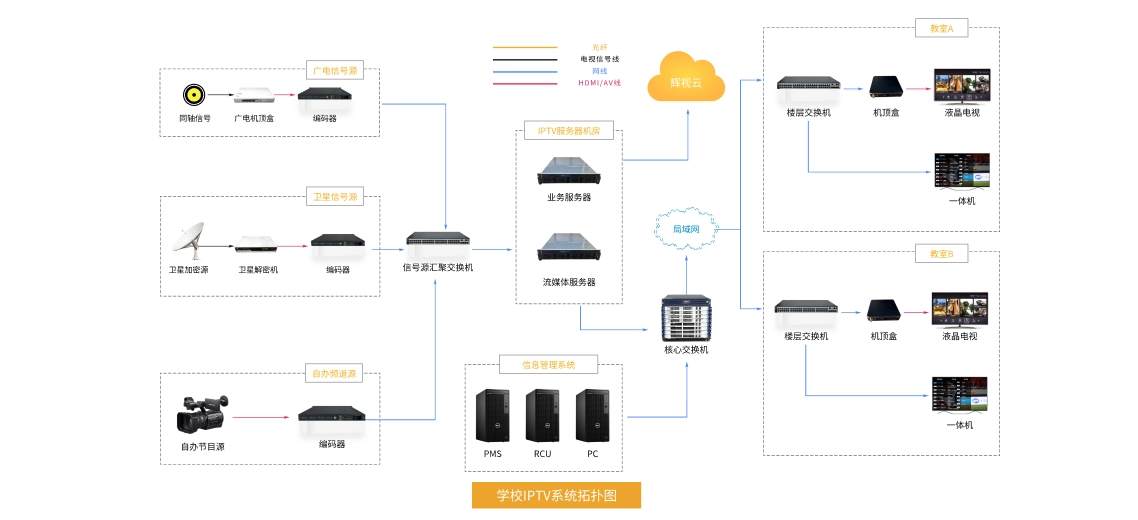
Supports access to multiple signal sources including broadcast television programmes, satellite dishes, or telecom/Unicom IPTV; programme channels can be grouped and managed with access permissions.

Cloud Classroom
Support access to teaching resources from renowned educators, catering to the learning needs of students across all year groups.

Video Classroom
Through video-based instruction and comprehensive education, students can balance work and study effectively, with both endeavours mutually reinforcing one another.

Notification
Display campus daily operations, notices and other information on television screens via a scrolling ticker.

Multi-device support
Enabling cross-platform functionality across multiple devices (PCs, mobile phones, tablets, etc.) through HTML5, allowing teachers and students to use it effortlessly anytime, anywhere.

Scheduled Interruption
Classify on-demand educational media resources into distinct virtual live channels, enabling them to be broadcast in a loop.

Forced Interruption
Administrators may, via the backend management platform, enforce the playback of designated educational films or live content on terminals within specified timeframes. During such interruptions, terminals shall not respond to remote control inputs, with all operations managed centrally through the system backend.

Smart School Video Conferencing and Interactive System Solution: Overall Advantages
 Flexible teaching formats to accommodate diverse requirements


Supports the ‘Live Classroom + Interactive Teaching’ model: For instance, master teachers' demonstration lessons can be broadcast live across the entire school via IPTV, while integrating terminal interaction features (such as real-time Q&A and polling feedback) to enable collaborative teaching across classes and campuses. Customised content can also be delivered for specific subjects (e.g., physics experiments, historical documentaries), visualising abstract concepts to enhance classroom engagement.


Management and notifications are efficient and precise, covering all scenarios.


Schools may swiftly disseminate notifications via the IPTV system (such as timetable adjustments, event schedules, or safety alerts). Terminals cover high-traffic areas frequented by staff and pupils, including classrooms, dining halls, and dormitories, proving more intuitive and efficient than traditional posters or broadcasts. The system also supports targeted regional notifications (e.g., sending alerts exclusively to Year 7 pupils), enhancing the precision of information delivery.


Efficient sharing of educational resources

IPTV can integrate premium educational resources (such as courses by renowned teachers, experimental videos, micro-lessons, etc.), delivering content via live streaming and on-demand formats to cover scenarios across the entire school, including classrooms, laboratories, and dormitories. Teachers and students across different year groups, classes, or campuses can synchronously share resources. This proves particularly valuable for institutions with uneven resource distribution (such as branch campuses or schools in peri-urban areas), rapidly narrowing educational disparities. Students may also access content on-demand after lessons for ‘revisiting classroom material,’ thereby enhancing learning outcomes.

Highly customisable content with straightforward updates


Content is entirely controlled autonomously by the school and can be dynamically updated according to teaching schedules and campus activities: for instance, regularly uploading items such as ‘Campus News’, ‘Club Activity Videos’, ‘Safety Drill Tutorials’, and ‘Mental Health Lectures’. Compared to traditional cable television or videotapes, IPTV enables centralised backend management, eliminating the need for physical media when updating content. Updates can be synchronised across all terminals within minutes, offering significantly greater flexibility than conventional methods.


Schematic Diagram
Smart School Application Scenarios
Live interactive teaching
  • Live Teaching and Interaction

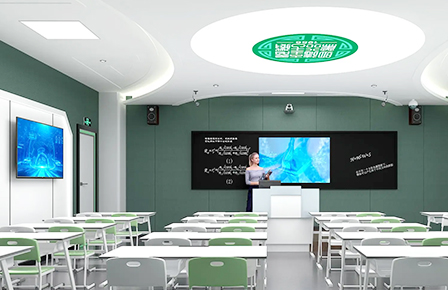
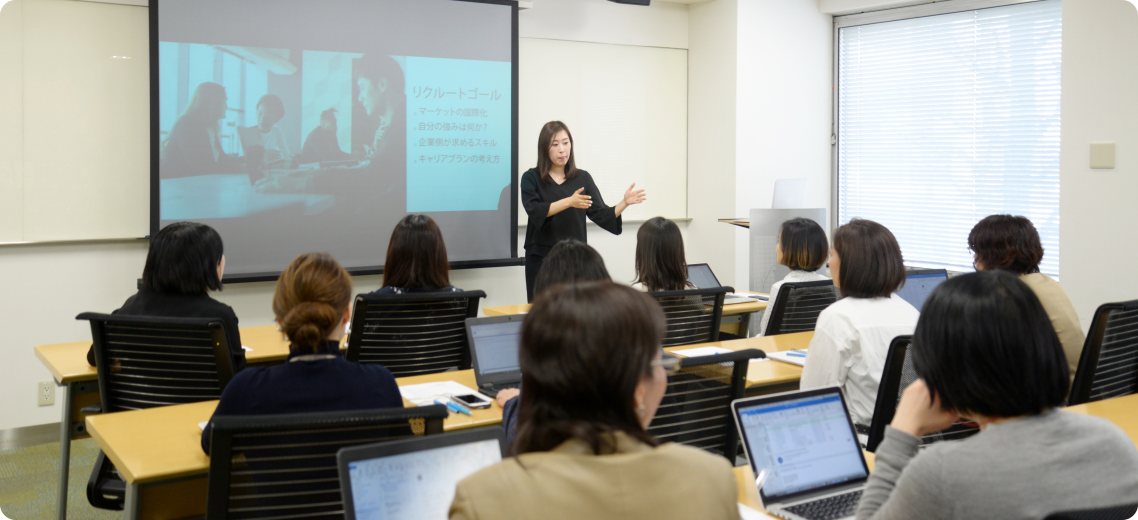
    1. Teachers utilise the IPTV system to broadcast live teaching sessions in real time, encompassing PowerPoint presentations, experimental demonstrations and other content, enabling synchronous viewing across all classrooms. Support for course recording and playback allows students to review lessons on demand after class, aiding knowledge consolidation.


    2. Teachers may insert interactive pop-up exercises, with the system automatically compiling response data. This facilitates teacher oversight of student learning progress while enhancing classroom engagement and teaching precision.

  • Resource Sharing and Value

    1. Effectively resolves cross-campus course sharing challenges, overcoming spatial constraints to enable students across campuses to access high-quality courses. Simultaneously achieves accumulation of open course resources, constructing a school-based repository to enrich teaching resource reserves.


    2. Enhances teaching efficiency through optimised instructional workflows and resource accumulation, driving pedagogical innovation. Provides robust support for school-based resource development and teaching quality improvement.

Promotion of Campus Culture
  • Channel Content Customisation

    1. Establish dedicated campus channels delivering diverse midday programming, including news broadcasts, institutional history documentaries, and club activity videos, enriching extracurricular cultural experiences for staff and students.


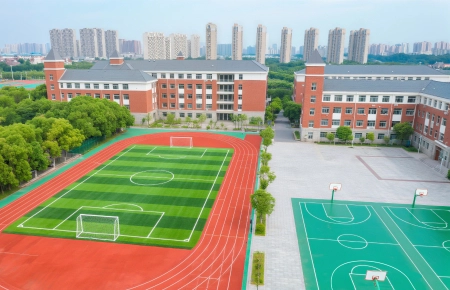
    2. Support real-time broadcasting of major events—such as opening ceremonies and sports days—across campus screens for synchronised participation. Utilise intermission functionality to deliver urgent notifications to all terminals within seconds, ensuring efficient information dissemination.

  • Management and Cultural Shaping

    1. Administrators may remotely update promotional content and flexibly adjust channel materials, continuously revitalising the campus cultural platform.


    2. Through unified information dissemination, integrate moral education content into daily promotions to strengthen its pervasive influence. This fosters a positive, distinctive campus cultural environment, realising the educational value of cultural nurturing.

Campus-based independent learning
  • Resource Access and Content Provision

    1. Deploy IPTV on-demand systems via dormitory televisions and library terminals to establish a diverse learning resource repository. Students may select lectures by distinguished academics to acquire cutting-edge subject knowledge and problem-solving methodologies;


    2. View experimental procedure videos to intuitively learn practical steps and underlying principles; access language learning resources encompassing listening and speaking materials to fulfil linguistic development requirements.

  • Learning Functionality Enhancements

    1. Supports variable playback speeds, enabling students to accelerate or decelerate video progression according to their comprehension pace for efficient learning time utilisation; provides subtitle switching to accommodate varying language proficiency levels and learning contexts, aiding content comprehension.


    2. Learning records synchronise to personal cloud storage, automatically preserving learning trajectories. This facilitates post-class review and gap identification for students, while also aiding the structuring of personalised knowledge frameworks.

  • Scene Management and Value Realisation

    1. Administrators may configure ‘Study Hours’ during which entertainment channels are automatically blocked. This fosters focused learning environments in dormitories and libraries, guiding students towards productive use of leisure time.


    2. By extending learning scenarios beyond traditional classrooms, the platform integrates study into fragmented daily moments. This accommodates diverse learning needs, unlocks individual potential, promotes personalised development, and enhances self-directed learning efficacy.

Home-School Live Streaming Platform
  • Live Streaming and Interactive Features

    1. Open parent authentication portal enabling remote viewing of school open days, parent-teacher meetings, and cultural performances via television or mobile applications, overcoming spatial constraints for convenient participation in campus activities.


    2. Teachers may selectively share classroom performance clips—such as debate competitions or experimental demonstrations—where parents scan QR codes to provide feedback and engage in real-time discussions regarding student progress, fostering more intuitive and efficient home-school communication.

  • Value and Function

    1. Establishes a visual bridge for home-school communication, enhancing mutual understanding and trust through live streaming and interactive capabilities.


    2. Eliminates the need for parents to attend in person, lowering participation barriers and enabling more parents to seamlessly engage in their child's school journey, thereby collaboratively fostering student development.
IPTV System Deployment
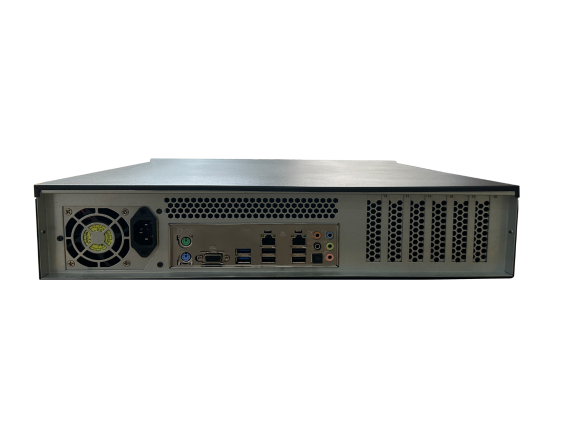
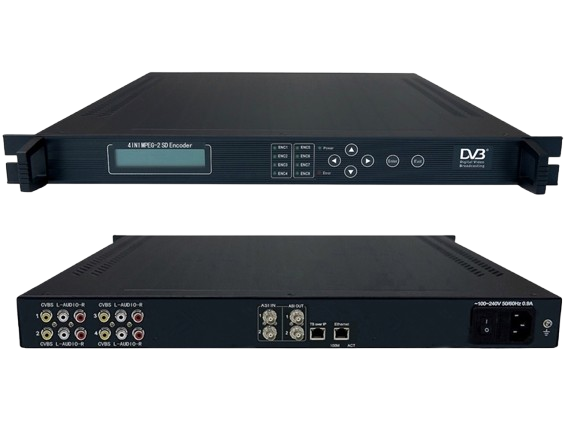
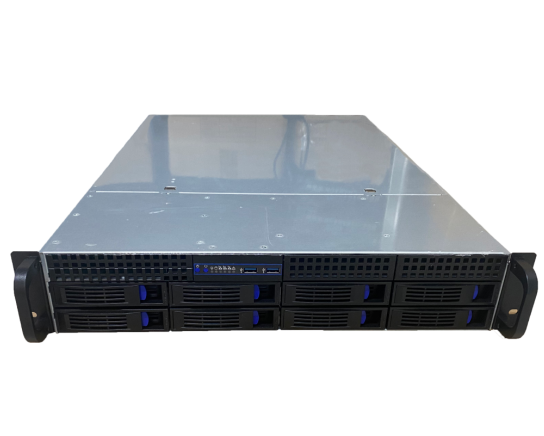
Deploy streaming servers, storage devices and content delivery nodes to ensure physical environment stability. Optimise campus network architecture: utilise 10 Gigabit fibre for the backbone, Gigabit Ethernet to endpoints at the access layer, partition dedicated VLANs to isolate IPTV traffic, and configure QoS policies to prioritise video transmission (reserving ≥20Mbps bandwidth per channel). Complete firewall policy configuration to block unauthorised access, laying the foundation for high-definition live streaming and video-on-demand services.

Contact Us
Hardware deployment and network setup


Deploy the IPTV system on the server (including CMS content management, streaming media engine, and EPG service). Configure database clusters, load balancing, and redundant backups; establish administrator permissions and operational log auditing. Integrate with existing institutional IT systems (such as the campus management platform), interface with LDAP/single sign-on systems, and ensure compliance with Grade 2.0 security requirements. Complete foundational service integration testing to achieve platform high availability.


Contact Us
Core Platform Installation and Initialisation


Inject teaching resources via secure channels: live streaming courses, premium recorded lectures, and campus television programmes. Categorise and catalogue within the CMS (by subject/year group/access permissions), configuring metadata and thumbnails. Deploy edge CDN nodes to core switches in teaching buildings/residential halls, enabling P2P distribution strategies to reduce central server load. Establish content update protocols (e.g., scheduled resource repository synchronisation) to ensure timely content availability.


Contact Us
Content Injection and Intelligent Distribution
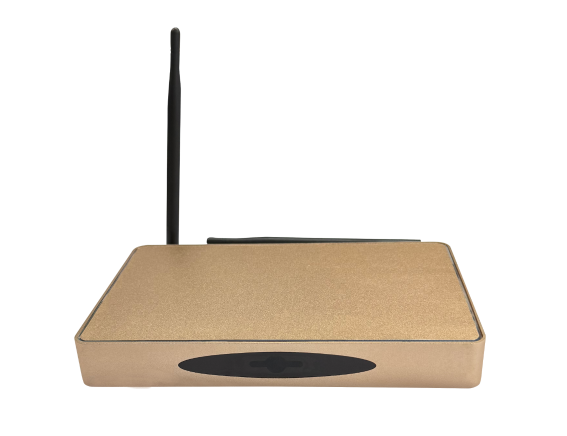
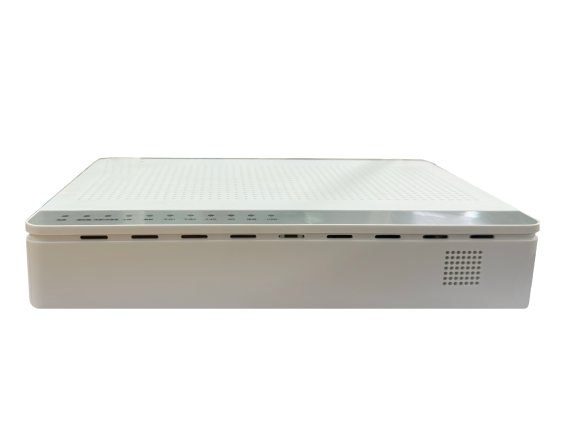
Configure permissions by role (teachers may manage/host live streams; students access on-demand content only). Pre-configure set-top box (STB) network parameters and authentication details, supporting quick login via QR code scanning. Compatible with multiple terminals: classroom smart TVs, office PC web browsers, and student mobile applications. Integrates with campus smart card accounts to enable single sign-on and viewing duration statistics. Provides parent/visitor accounts for remote open day live streaming.
Contact Us
Endpoint Access and Permissions Management
Functional Validation: Test live streaming latency <1s, instant-on video-on-demand, real-time EPG updates, and stability under 200 concurrent streams. Security Audit: Inspect firewall policies, user data encryption, and illegal content blocking. Scenario Coverage: Simulate classroom teaching, dormitory viewing, and mobile learning scenarios to ensure smooth 4K ultra-high-definition playback. Produce a Deployment Acceptance Report and train administrators.
Contact Us
End-to-end testing and acceptance