Corporate Information Release System
A system that utilises multimedia technology to disseminate corporate information and content to designated locations or terminal devices.
Solution Overview
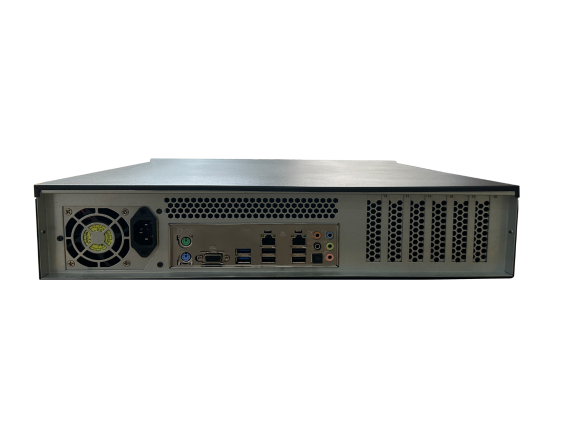
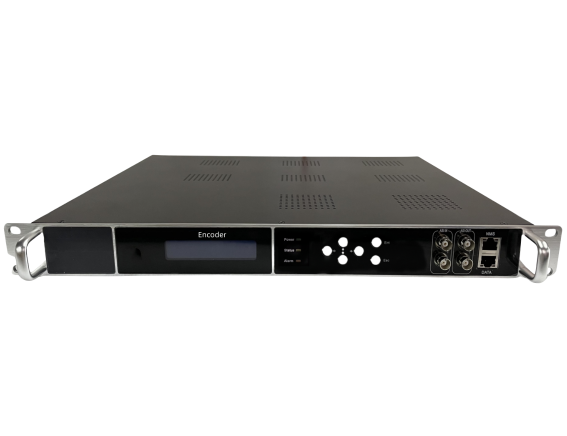
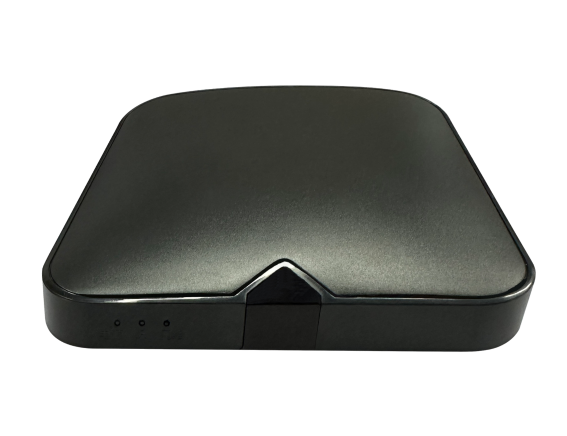
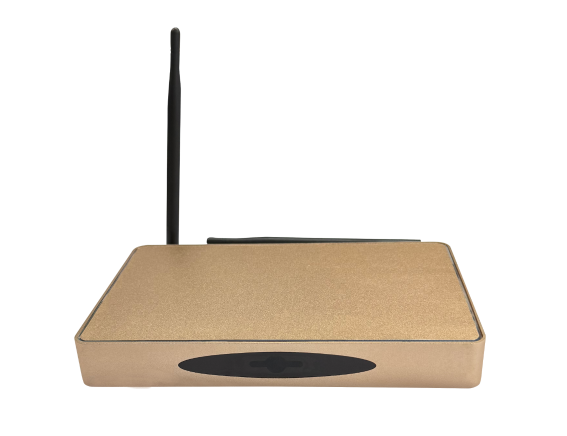
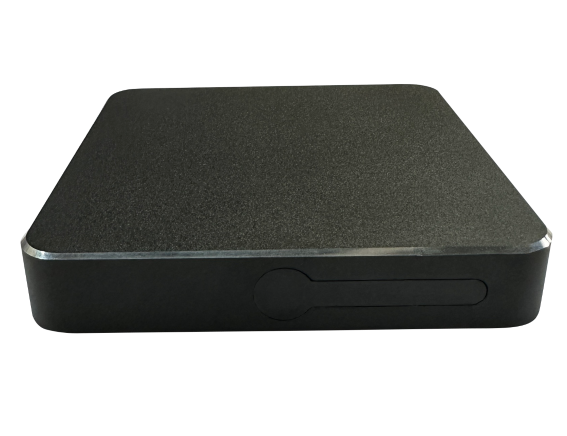
A system that utilises multimedia technology to disseminate corporate information and content to designated locations or terminal devices. It comprises various hardware equipment and software systems, such as large-screen display devices, multimedia publishing terminals, and information publishing management software. The primary functions of an enterprise information publishing system include information dissemination, content management, terminal control, and data analysis, providing comprehensive information display and management services for businesses.
Solution Features
  • Content Management
    Supports multi-format editing of text, images, and videos alongside template-based design, offering a template library to streamline content creation workflows.
  • Quick release
    Through drag-and-drop editing and scheduled publishing features, achieve rapid content generation and intelligent scheduling.
  • Multi-device compatibility
    Supports comprehensive coverage across all scenarios, including LED displays, LCD screens, and mobile devices, enabling synchronised information display across regions.
  • Data analysis
    Monitor real-time engagement metrics (such as viewership figures and dwell time) to refine dissemination strategies.
  • Brand Image Enhancement
    Consistent content style and high-quality presentation enhance a company's professional image, while transparent information disclosure (such as in government and healthcare settings) bolsters credibility.
  • Data-driven
    Integrate databases and API interfaces to display dynamic data in real time (such as production progress and customer flow information), thereby supporting decision-making optimisation.
  • Front desk lobby
    The display showcases the organisation's corporate culture, organisational structure and latest announcements. During reception, it simultaneously guides visitors through the registration process, enhancing their first impression and assisting front desk staff in efficient visitor management.
  • lift lobby
    Loop broadcasts of policy interpretations, project outcomes and upcoming events, utilising elevator journey time to convey key information, thereby enhancing staff and visitors' awareness of government and corporate initiatives.
  • Company Exhibition Hall
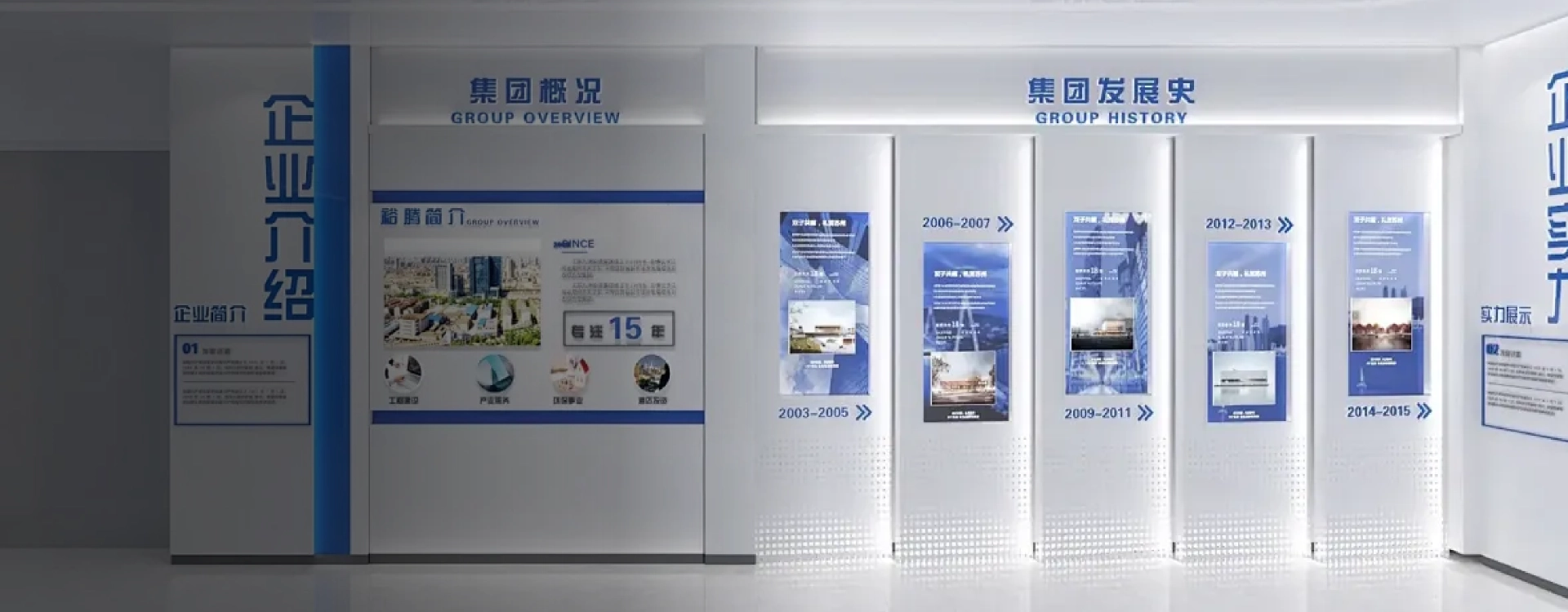
    The display screens showcase the company's credentials, technological strengths and developmental journey alongside exhibits, dynamically presenting core business operations to enable visitors to swiftly grasp the organisation's capabilities and positioning.
  • Tea room
    Display logistical notices (such as equipment maintenance schedules), health tips and team-building event announcements, enabling staff to effortlessly access daily workplace information during breaks.
  • Company corridor
    Highlight departmental responsibilities, showcase staff profiles, and provide key meeting reminders to bridge information gaps during office downtime, thereby enhancing internal cultural cohesion and information synchronisation efficiency within government and corporate entities.
  • Meeting Room
    Display meeting topics, attendees and duration at the entrance; link equipment, agenda and materials indoors; provide meeting minutes download links post-event to enhance organisational efficiency.
  • Company Canteen
    The display screens feature weekly recipes, food safety guidelines and dining etiquette reminders, alongside synchronised corporate culture promotional content, enabling staff to access information while dining.
Information Release Process
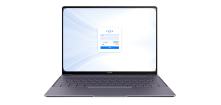
The information release process is clear and straightforward: First, log in to the platform using your account credentials; Then edit and refine the text content, ensuring the format is standardised for visual appeal; Next, select the target audience, region, and terminal device, preview the output, and submit for review; Once approved, publish with a single click to effortlessly complete the information push.
  • Login Platform
    Log in to the system using your account credentials.
  • Content Editor
    Text material, edited and refined
  • Select publication scope
    Designated Audience Area Terminal
  • Format adjustment
    Standardise the format to achieve visual perfection
  • Preview review
    Preview the effect before publishing, submit for review
  • One-click publishing
    Once approved, click publish.
Advantages of the Government and Enterprise Information Release System Solution
Stable security safeguards
Urgent Notice
Localisation adaptation
Safety and Compliance
Intelligent Management
Stable security safeguards
  • System Stability and Security Assurance

    Employing a browser-server architecture to adapt to diverse network environments, ensuring stable system operation within complex networks. User permission management enables the configuration of distinct operational privileges, preventing information leakage. Content cannot be published without prior review, thereby safeguarding information security.

Urgent Notice
  • Rapid Emergency Notification Delivery

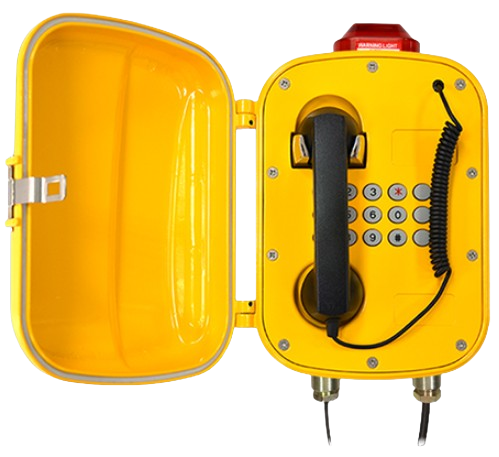
    In the event of unforeseen circumstances (such as fire alerts or safety warnings), the system can immediately interrupt regular broadcasts to deliver critical emergency information, ensuring users receive vital updates without delay and enhancing the organisation's emergency management capabilities.

Localisation adaptation
  • Domestic Adaptation

    Compatible with the Kylin operating system and domestic chipsets, ensuring autonomous control over information security.

Safety and Compliance
  • Security and Compliance

    Employing a multi-tiered review mechanism, encryption technology, and domestically developed information technology infrastructure (such as Kylin operating system and Loongson processors) ensures data security and policy compliance. The system also supports localised deployment to mitigate cross-border data risks.

Intelligent Management
  • Intelligent Management

    Enables batch management of distributed devices, allowing remote adjustment of parameters such as brightness and volume, alongside real-time monitoring of operational status. Scheduled tasks and emergency broadcasts reduce manual intervention, thereby lowering operational costs.