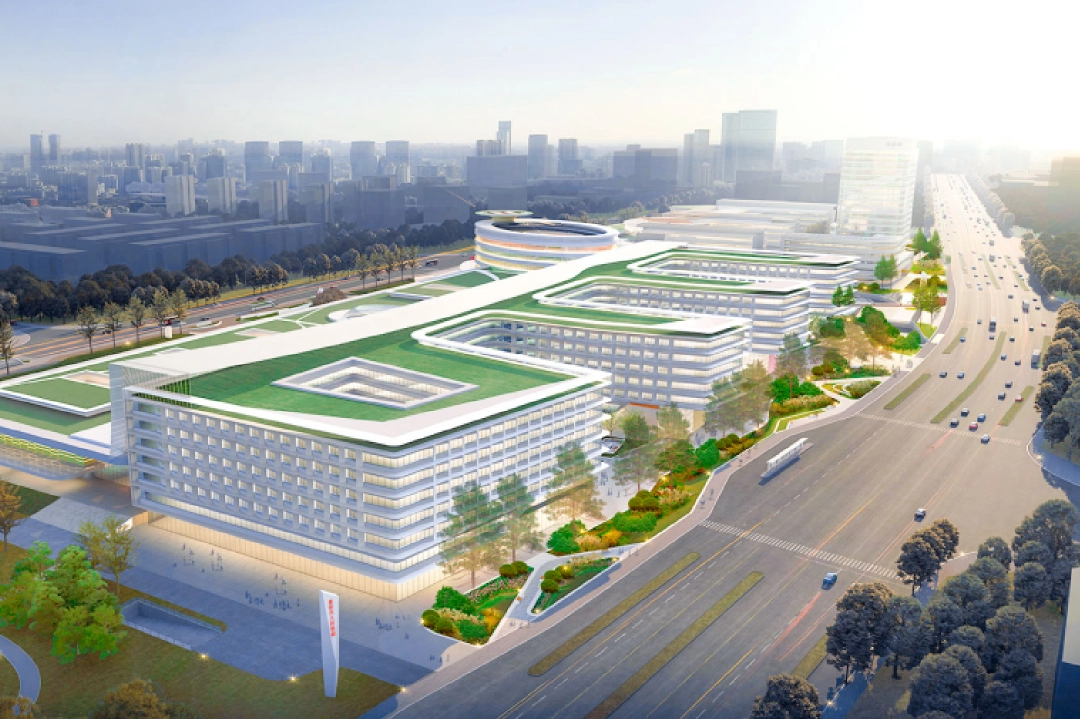
Anyone who has visited a hospital has experienced this: where to register, which floor a department is on, how many people are ahead in the queue, where to collect test results—every single question requires a visit to the information desk. For hospitals, there are never enough staff at the information desk; for patients, this information asymmetry directly exacerbates their anxiety about seeking medical care. The role of a hospital information display system is to place the answers in advance at points patients are bound to pass through: a screen, a scrolling message, or a short video. Using six real-life scenarios, this article explains to hospital operators and system integrators exactly what this system is for and how to derive value from it.
I. What problems does a hospital information dissemination system solve?
For hospital operators, the pain points are concentrated in three areas: a shortage of patient guidance staff. Ninety per cent of enquiries regarding department locations, consultation schedules and appointment procedures are highly repetitive, yet each must be answered manually. Once the information is displayed on-screen, these frequently asked questions are automatically handled by the system.
Information is updated slowly and contains many errors and omissions. Paper noticeboards and handwritten notices are updated too late, meaning that patients often only discover changes—such as doctors’ temporary absence from clinics or the relocation of departments—once they arrive at the hospital.
There is no fast track for urgent information. In the event of an emergency, notifications rely on manual processes—making phone calls and running from one level to the next—which is both slow and prone to oversights.
For system integrators, understanding the significance of these three points is more important than memorising technical specifications—the logic behind hospitals’ purchasing decisions has always been ‘one fewer patient guide, one fewer complaint’, rather than ‘how many video formats it supports’.
II. Six Key Application Scenarios: Wherever the screen is placed, that is where value is created
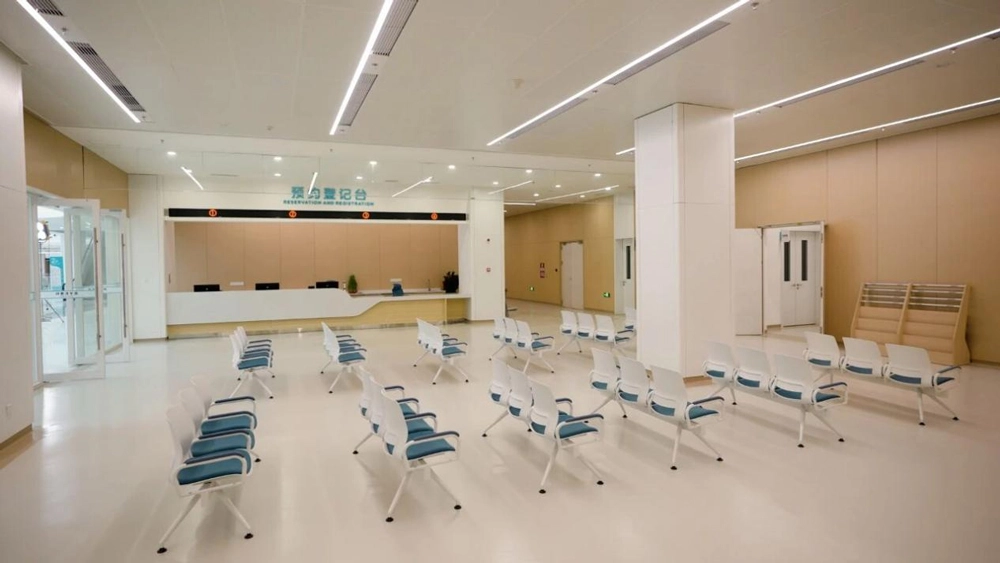
2.1 Outpatient Reception Area: The first point of contact for patients with the hospital
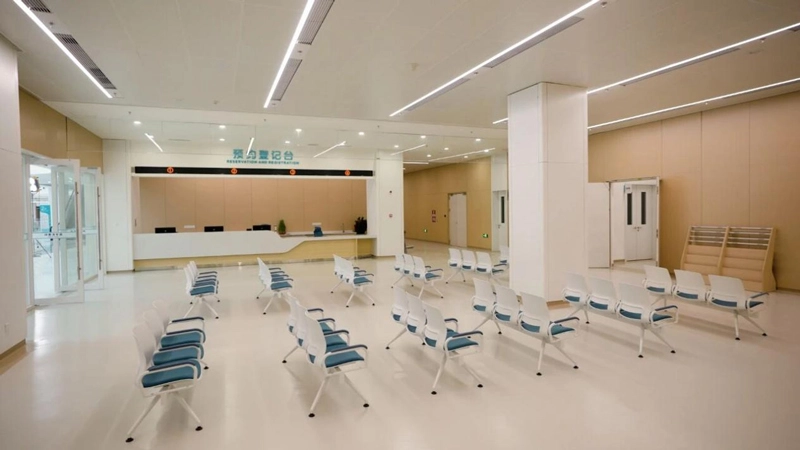
The screens in the lobby address the confusion experienced by ‘first-time patients’: they display a map of the departments, doctors’ consultation schedules, the registration and payment process, and guidance on visiting the hospital, alongside a rolling feed of short health education videos and hospital announcements. A patient who has just entered the building can stand in front of the screen for three minutes and understand the route to their appointment—which means one fewer enquiry at the information desk and one less floor the patient has to walk up.
2.2 Outpatient waiting area: Turning waiting time into an informative experience
Screens in the waiting area display information organised by department, including call numbers, the doctor currently seeing patients, the number of people waiting and the estimated waiting time, allowing patients to ‘know where they stand’ and thereby reducing their anxiety; during waiting periods, the screens also show interspersed clips on preventive healthcare and important points to note when attending appointments, ensuring health education is delivered without causing disruption, whilst also improving the orderliness of the waiting area.
2.3 Outpatient corridors: patients’ ‘indoor navigation’
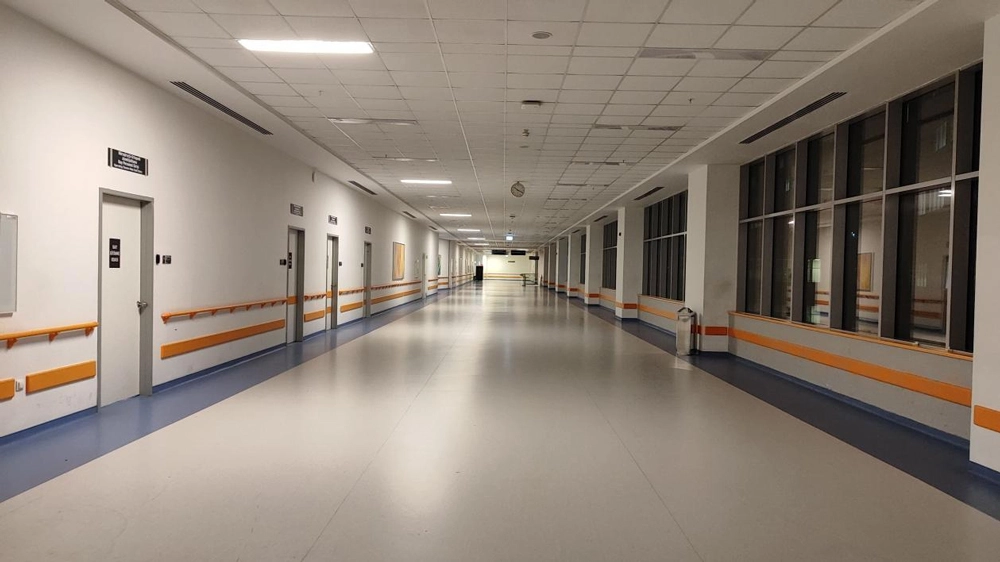
The screens in the corridor display the functions of each consultation room, the locations of diagnostic departments and the times for collecting test results, whilst also indicating the locations of facilities such as toilets and drinking water points. Their value lies in reducing unnecessary walking—for elderly patients with limited mobility, avoiding a single unnecessary detour makes a tangible difference to their experience of receiving medical care.
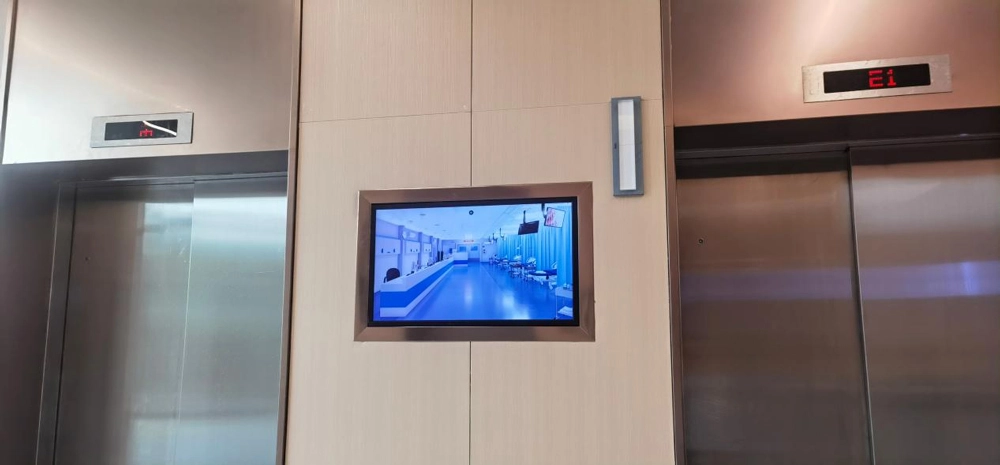
2.4 The lift lobby: making the most of a spare minute
The one or two minutes spent waiting for the lift are a time when people’s attention naturally focuses. This is an ideal opportunity to loop videos introducing the hospital’s specialist departments, its team of experts, health education information and announcements regarding service upgrades. By making the most of these short intervals, the hospital’s service awareness and the reach of its health education programmes will naturally increase.
2.5 The nurses’ station: the ‘information desk’ for healthcare staff
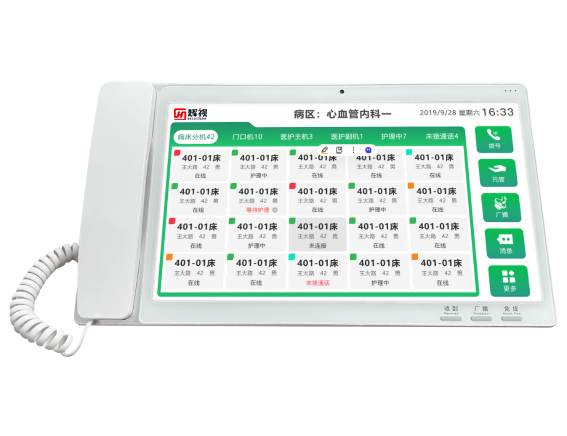
The screens at the nurses’ station provide real-time updates on patients’ bed assignments, care levels, appointment times for tests and pending nursing tasks, whilst simultaneously displaying ward notices and emergency call alerts. With all information clearly visible at a glance, the handover of nursing duties runs more smoothly, and omissions during verbal handover are reduced.
2.6 Inpatient Ward: A source of reassurance for families
Screens in the corridors of the inpatient ward and outside ward doors display information on hospital admission guidelines, visiting hours, daily meal menus and doctors’ rounding schedules, whilst also providing updates on post-operative rehabilitation guidance and medication safety advice. As the issues of general concern to relatives are displayed daily, the pressure on the nurses’ station from repeated enquiries is consequently reduced.
III. Three key capabilities of concern to hospital users
Whether a scenario can be successfully implemented depends on the practical application of three management capabilities: group-based, targeted broadcasting. By managing content in groups according to areas such as outpatient clinics, inpatient wards and pharmacies, different screens display different content: the waiting area shows patient call numbers, whilst the inpatient ward displays visiting guidelines—each serving its own purpose without interfering with the others.
Approval before publication. Content must be previewed and submitted for approval before publication; content that has not been approved cannot be published. There are strict compliance requirements governing the publication of information by hospitals, and this step cannot be omitted.
Emergency one-touch interruption. In the event of emergencies such as fire alerts or safety warnings, the system can immediately interrupt regular programming to broadcast urgent information, with screens across the entire campus responding simultaneously—its value is evident in emergencies, whilst its use is routine.
IV. A Few Implementation Recommendations for System Integrators
Position the signage along the patients’ routes. Prioritise coverage of key areas such as the lobby, waiting areas, lift lobbies and corridors in the inpatient ward; even with a limited budget, you can still maximise the value.
Allow for system integration. Integration with business systems such as HIS and LIS ensures that information displayed on screen—including clinic appointments, patient call-ups and test results—is accurate and up to date; this is also a key factor valued by hospital IT departments.
Simplifying operations and maintenance. Features such as scheduled screen power on/off, centralised background monitoring and remote programme distribution—these day-to-day operational capabilities determine whether the hospital can make effective use of the system, and will also shape the reputation of the second phase of the project.
五、Frequently Asked Questions
Q1:The hospital already has an official WeChat account and an app – does it still need a content management system?
Yes, it is. Whilst the mobile app relies on patients actively opening it, the screens within the hospital passively reach patients as they move through the premises; the two complement each other—particularly for elderly patients, for whom the screens are often more effective.
Q2:Does content publishing require a dedicated person to manage it?
Regular programmes can be scheduled in advance, and department administrators can manage the screens in their area once authorised. The IT Department centrally manages accounts and carries out approval checks, so no dedicated team is required.
Q3:Is it a hassle to add a screen at a later stage?
The system is built on the hospital’s existing IP local area network; it can be brought online simply by adding new terminals to the network and configuring group-based authorisation in the backend, and any expansion will not affect the operation of the existing screens.
The implementation of a hospital information display system has resulted in reduced pressure on patient guidance staff, an enhanced patient experience and rapid response to emergencies—the value lies not in the screens themselves, but in the specific contexts in which they are deployed. For hospital operators, we recommend starting with locations where patient traffic is particularly heavy; for system integrators, thoroughly explaining the use cases and ensuring robust integration and maintenance will build trust far more effectively than any list of technical specifications.