Many people purchasing audio-video encoders for the first time find themselves confused: the product pages are full of terms such as H.264, SPTS and TS multiplexed streams, which they do not understand, and they are worried about making the wrong choice.
It’s actually not that complicated. You can think of an encoder as a ‘parcel packer’: it takes the raw audio and video signals output by cameras, set-top boxes and computers, compresses and packages them into ‘parcels’ suitable for transmission over the internet, and then sends them to televisions, mobile phones or live-streaming platforms. To choose the right encoder, you simply need to understand the following five points.
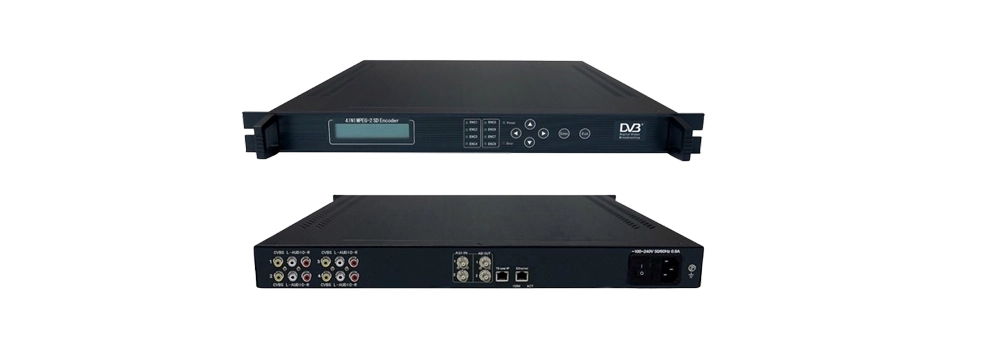
I. Video compression formats — determining whether bandwidth is saved
Raw video data is extremely large; transferring it directly would cause it to stutter to the point of being unusable, so it needs to be compressed first. There are two common compression formats:
H.264: Widely used; recognised by almost all players, televisions and platforms; characterised by the fact that it ‘plays everywhere’;
H.265: It offers higher compression rates and can save nearly half the bandwidth, but some older devices do not support it.
A quick tip: go for H.264 if you want peace of mind, or H.265 if bandwidth is expensive. The H.264 solution used in the Huishi HS-5504-HD, for example, is currently the most compatible option; when integrated into hotel TV systems or live broadcast back-end systems, there are virtually no issues with content failing to play.
II. How many signal inputs can it handle? — ‘4K support’ may be a pitfall
Many people have been misled by this. The product page states ‘4K support’, but once you’ve bought it, you realise that either only one connection is supported, or that 4K is only for input, whilst the output quality is compromised.
When assessing someone’s character, remember to ask these three questions:
How many devices can be connected at the same time? (1 camera or 4?) Answer: Is each channel true HD or is it just a marketing claim? (1080p is the minimum requirement.)
Will the picture quality be reduced when all slots are filled?
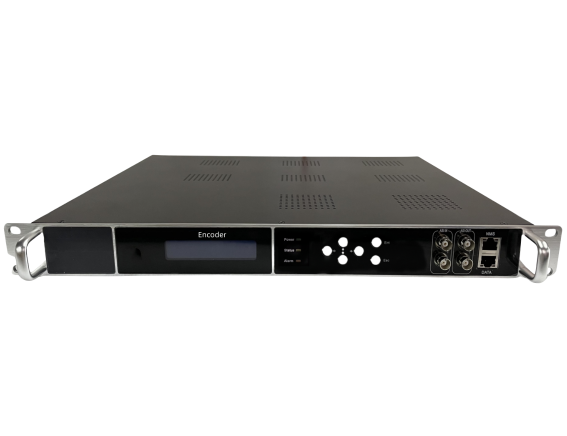
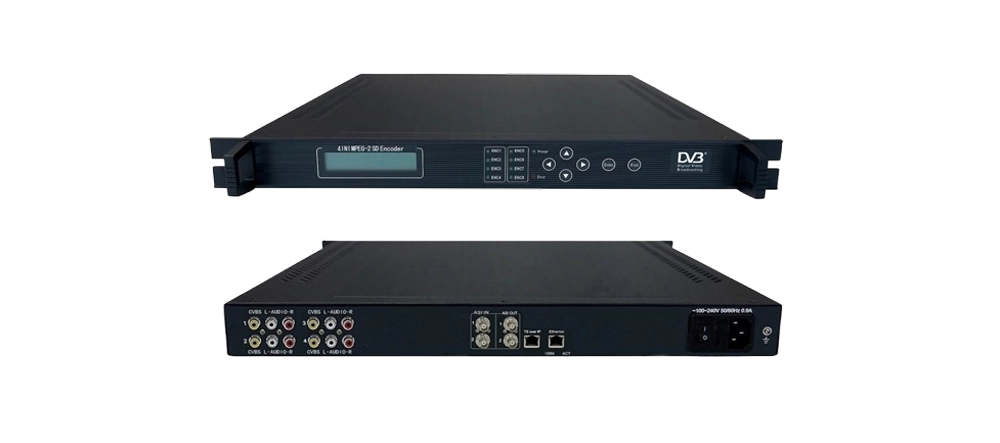
For example, if a banquet hall needs to broadcast four camera feeds simultaneously, you would need to purchase four single-channel encoders, whereas a single four-channel encoder would suffice. The Huishi HS-5504-HD supports the simultaneous input of four HDMI high-definition signals and features four AV ports for connecting older equipment, making it compatible with both new and old cameras. The four signals are output independently, without interfering with one another—one unit replaces four.
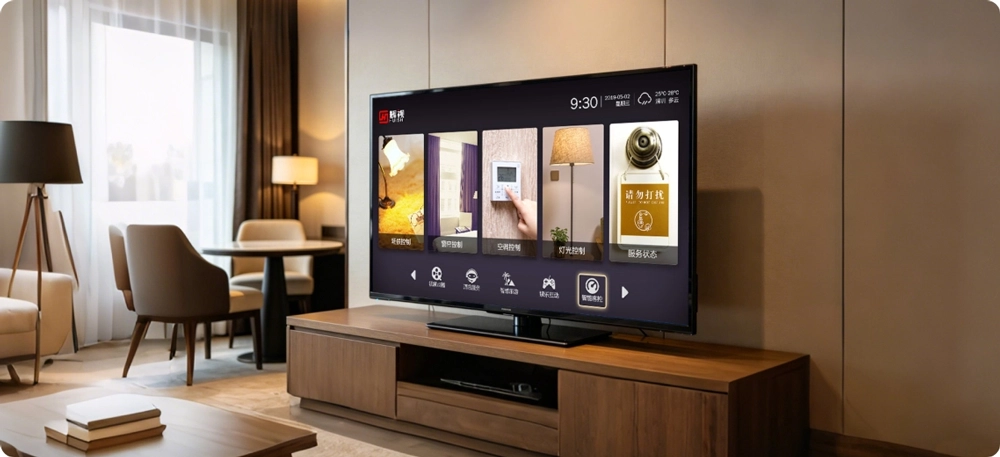
III. Stuttering and High Latency – The Achilles’ heel of live streaming
Latency refers to ‘the time lag between an event occurring on site and the audience seeing it’. When it comes to live streaming, remote interaction and emergency command and control, the biggest concern is that the video will lag behind the audio, or freeze.
Some of the delay is caused by the network and is unrelated to the device; however, there is a significant difference in the processing speed of the devices themselves. A high-quality device may take only a few tens of milliseconds to process a task, whilst a poor-quality device may take half a second or more.
A quick tip: When watching interactive live streams, ask the manufacturer to provide actual latency figures; if they are unable to do so or give vague answers, think twice before buying.
Ⅳ. Can the picture quality be adjusted? — Is the picture stable when the internet connection is poor?
The internet cannot always run at full speed. An encoder with adjustable video quality works much like the ‘Smooth/HD/Ultra HD’ toggle in video software: it streams in HD when the connection is good, and automatically reduces the quality slightly to ensure smooth playback when the connection is poor.
Just a quick question before I buy: can I adjust the bitrate myself?
For devices where settings can be adjusted, administrators can control the video quality themselves based on the on-site network conditions; for those where settings cannot be adjusted, viewers will see a pixelated image as soon as there is a fluctuation in the network. This encoder from Huishi supports freely adjustable bitrates and controllable video quality; during periods of high network traffic, it can automatically reduce the settings by one level to ensure the live stream remains uninterrupted.
V. Interfaces and Protocols — Determining whether your device can be connected
This point is easily overlooked, and if it is, it will result in the project having to be redone. Simply check these two lists:
List of ports (check that the physical connectors match); cameras and computers usually have HDMI ports; older cameras and DVD players have AV ports (three-colour cables: red, yellow and white).
List of protocols (to check whether the software is compatible):
There’s no need to memorise the technical terms; simply tell the manufacturer: “I want to stream to Douyin/Video Account live streams” (corresponding to RTMP), “I want to integrate with a surveillance platform” (corresponding to GB28181/ONVIF), or “I want to set up a hotel TV system” (corresponding to RTSP/UDP multicast). Ask the manufacturer to confirm support for each item individually; this can then be included in the contract.

The Huishi HS-5504-HD offers a comprehensive range of connectivity options: four HDMI ports for connecting new devices, four AV ports for older devices, and four 3.5mm audio jacks for connecting microphones separately. In terms of protocols, it supports HTTP, RTSP, RTP, RTMP and UDP, making it compatible with live streaming, IPTV systems and intranet broadcasting, so there is no need to worry about it being incompatible with your existing equipment.
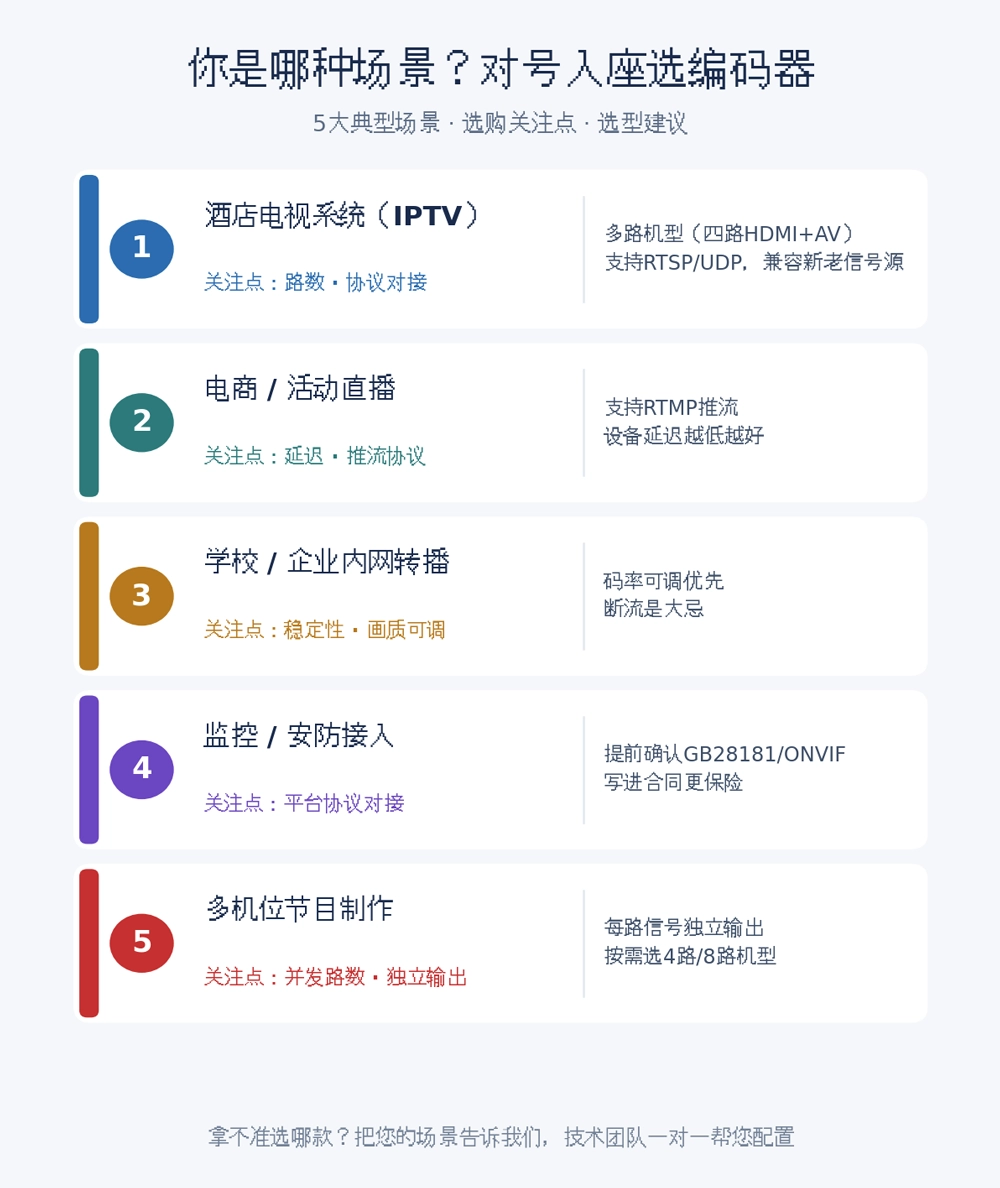
Do these three things before placing an order, and you’ll hardly ever make a mistake
Test the prototype in practice: connecting the prototype to your own actual equipment and running it for a few days is more reliable than anything else;
Have the manufacturer conduct a video factory audit: whether it’s a genuine factory or just an OEM operation, a quick glance at the production line will tell;
Set out the requirements clearly in the contract: the number of channels, resolution and protocol, listing each item individually, so that there is a record to refer to should any issues arise.
HuiShi Technology supports prototype testing and video factory audits; our technical team can provide one-to-one assistance to help you finalise a solution for integrating the equipment with your existing systems.
When it comes to selecting an encoder, it essentially boils down to three things: connectivity (interfaces), transmission capability (format and bitrate), and playback capability (protocol). If you have requirements for a hotel IPTV, live broadcast or relay project, please feel free to contact HuiShi on 19830112568. Let us know how many devices you need to connect and what interfaces your signal sources use, and we will draw up a detailed configuration plan for you.