In traditional campuses, information dissemination relied on handwritten notices, loudspeaker announcements, and word-of-mouth. This often resulted in posted notices going unnoticed, emergency situations requiring teachers to run around making announcements, and schedule changes flooding WeChat groups. Information delays, redundant postings, slow emergency responses, and resource wastage have become common pain points in traditional campus management.

As smart campus development advances, information dissemination has long transcended mere “posting notices” to become an efficient, empowering smart terminal node.
Today, we proudly present the “HuiShi Smart Campus Information Display System”!
HuiShi Campus Information System is a fully digital, networked, and intelligent information publishing platform specifically designed for educational settings. Centered on “centralized management, tiered authorization, multi-device collaboration, and secure control,” it comprehensively replaces traditional bulletin boards, paper posters, and one-way broadcasts.
Multi-scenario coverage, innovative formats:From a blackboard to a smart display, from manual dissemination to automated system push—the essence of information release systems lies in our relentless pursuit of efficient collaboration.
The Huishi System can deploy digital media playback terminals in key areas such as school gates, teaching buildings, administrative buildings, libraries, cafeterias, dormitories, and conference rooms. Compatible with LCD all-in-one units, LED displays, and monitors. It supports diverse applications including school introductions, news updates, honor displays, class schedules, exam countdowns, meeting notices, weather forecasts, lost and found, shuttle bus timetables, cafeteria menus, event promotions, and emergency alerts. The system enables split-screen zoning and simultaneous playback of multiple programs on a single display, allowing limited screens to carry unlimited information.
Sports Activities Promotion

School Bulletin Board

Countdown to the College Entrance Exam

Canteen Digital Menu

Eight Core Functions
1. Omnichannel Publishing: Supports multiple formats including images, videos, audio, Office documents, dynamic tables, webpages, and APK applications. Enables real-time data updates (e.g., class schedules, attendance records) without requiring repeated publishing.
2. Intelligent Scheduling and Flexible Display: Offers diverse formats including customizable templates, split-screen/full-screen layouts, digital posters, and scrolling captions; supports multiple playback strategies such as scheduled, looping, and emergency interruptions.
3. Tiered Permissions and Organizational Management: Based on the school's organizational structure, implement hierarchical management of users, terminals, media assets, and program schedules. Support a multi-tiered review mechanism of no fewer than three levels to ensure content compliance and security.
4. Remote Management of All-Area Terminals: Enables grouped management of terminals across classrooms, dormitories, cafeterias, school gates, and other areas. Capabilities include remote power cycling, volume adjustment, device restart, and real-time operational status monitoring.

5. Secure and Reliable, Audit-Traceable: Content is transmitted with encryption and integrity verification. Supports real-time screen capture or video playback of terminal sessions, with complete playback logs recorded to meet security audit requirements.
6. Efficient Operations and Scalability: Supports resume-enabled downloads, bandwidth control, and remote upgrades; permanent licensing with no terminal quantity restrictions; compatible with LAN, WAN, 4G/WiFi, and other networks for effortless cross-campus networking.
7. Deep Integration with Campus Business Systems: Seamlessly connects with academic affairs, OA, attendance tracking, and video conferencing systems to automatically push course information, meeting notifications, and class updates, creating a dynamic information hub.
8. High-performance network infrastructure: Deploy a Layer 3 switch (24 Gigabit Ethernet ports + 4 10 Gigabit SFP ports) to ensure stable transmission under high-concurrency conditions.

Campus Information Release Topology Diagram:The campus information broadcasting system operates within network environments including local area networks (existing TCP/IP networks are sufficient), wide area networks, and ADSL connections. The playback end groups multimedia content into segments and schedules them for display across corresponding devices (LCD televisions). The system can divide a single screen into multiple windows, simultaneously displaying different multimedia content across these windows, and allows for the insertion of various ad-hoc information at any time.

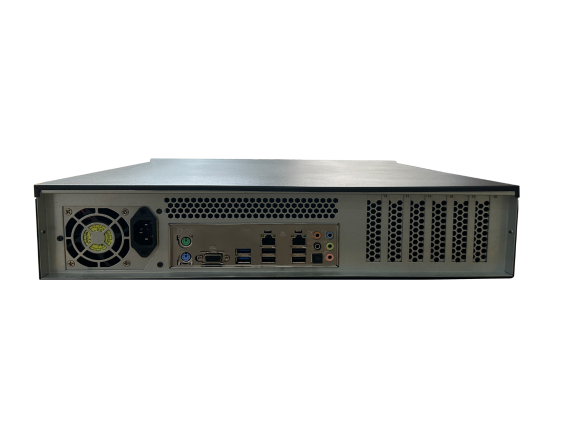
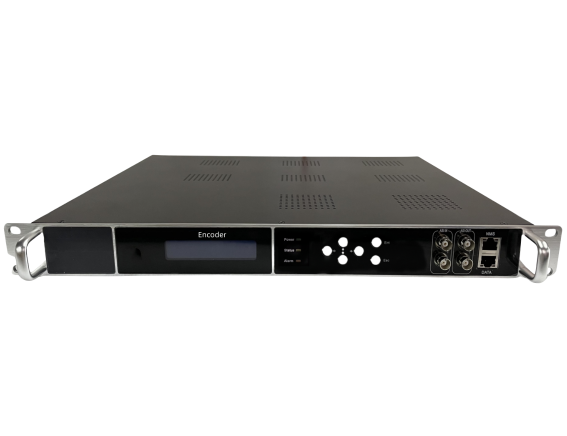
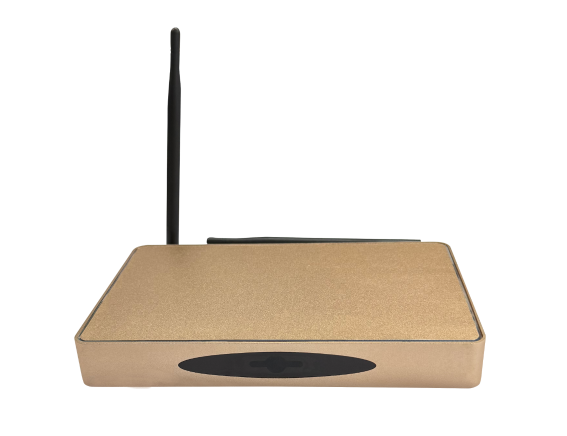
Information Release System Equipment Setup:The hardware equipment for the information display platform system includes 1 switch, 1 server, 1 information display box, and several LCD screens, with the exact quantity determined based on project requirements.